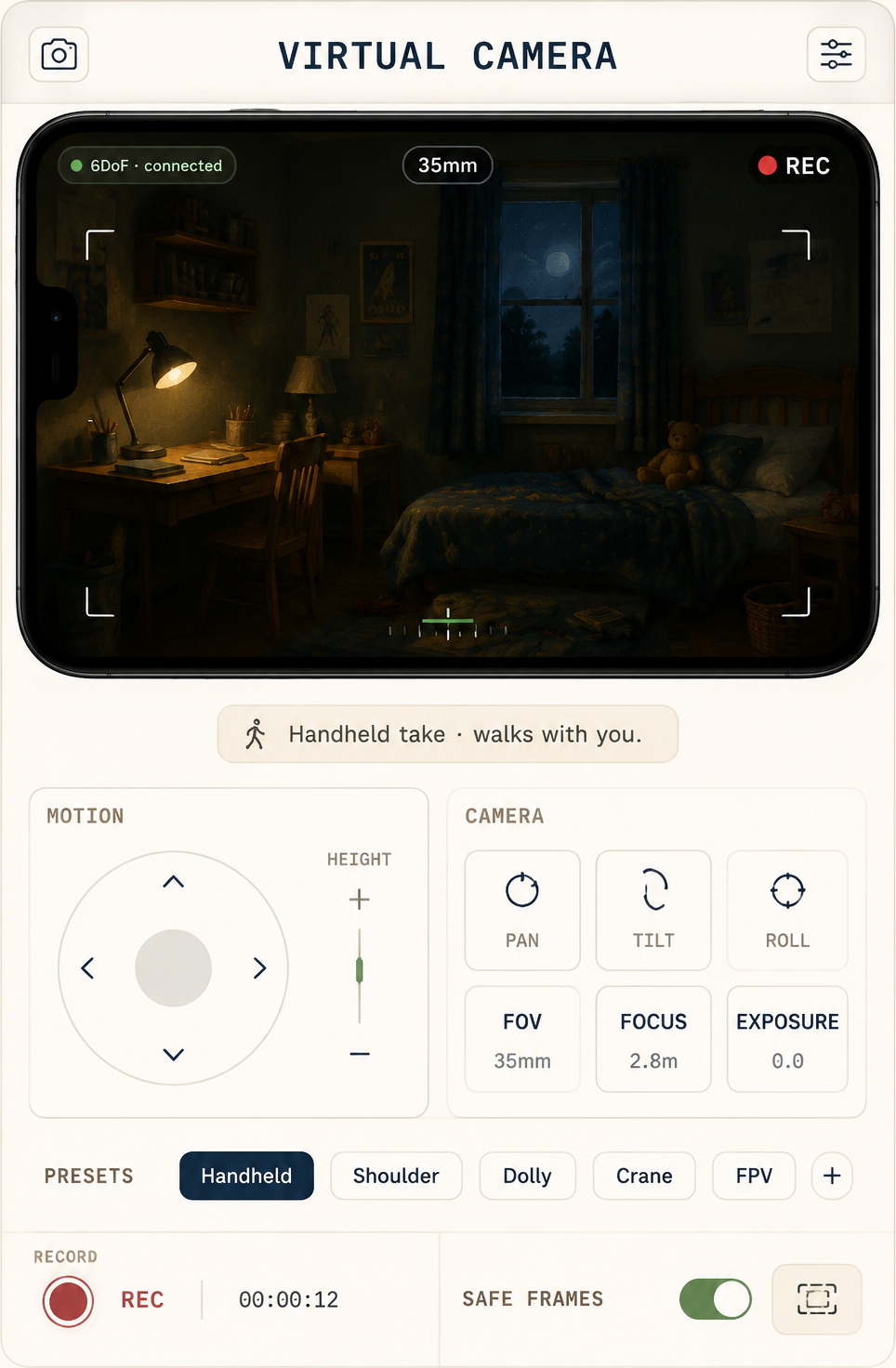
Build the set, block the camera
Construct the location as a navigable 3D world — walls, furniture, light. Move through it with a virtual camera and find the shots by looking, not guessing.
Previz is cheap on a 3D stage and expensive on a shoot day. Build the location, block the camera, answer the coverage questions — before the crew, the truck and the clock are involved.
Three stages, each carried by a module you can open right now.
Construct the location as a navigable 3D world — walls, furniture, light. Move through it with a virtual camera and find the shots by looking, not guessing.
Turn the blocking into panels. The board syncs from the script and carries camera moves as stamps — boards your crew already knows how to read.
Scene headings wire the pages to the shots — every panel carries its scene, cast and world, so what you hand the crew matches what you wrote.
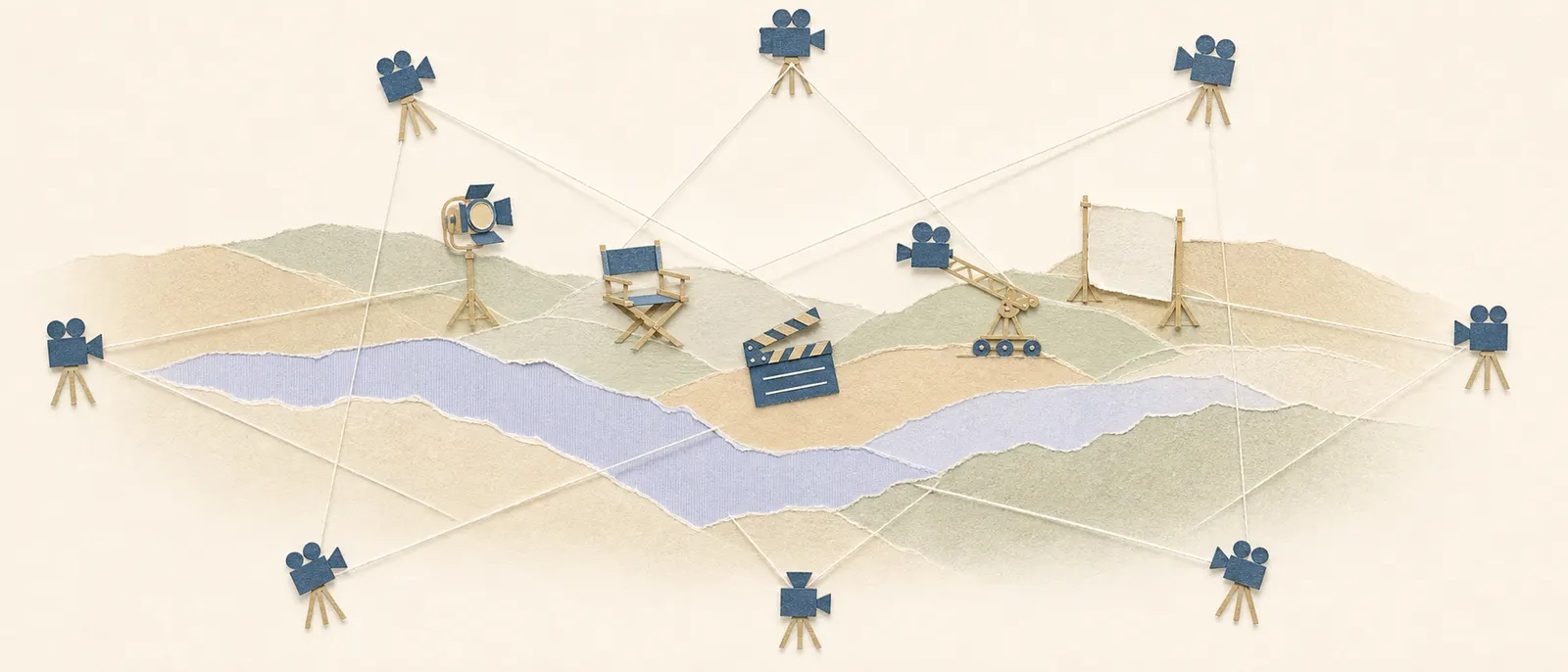
The expensive questions — coverage, blocking, geography — answered while they still cost nothing.
Block a move once and export the real 6DoF camera path — to a video model now, or as a reference for the day.
The top-down scheduling map shows every setup around the set — see the holes in your coverage before the shoot day does.
The set you previz is an asset, not a sketch. Reuse it across scenes and episodes; redress instead of rebuild.
If the previz starts looking like the film, keep going — the same graph generates takes and assembles the cut.
Start with a premise, a screenplay, or a folder of references. We'll set up your provider keys and walk through the first scene with you.
Cookie settings
We use analytics cookies to improve MML ONE. You can decline anytime. Privacy