The current flagship
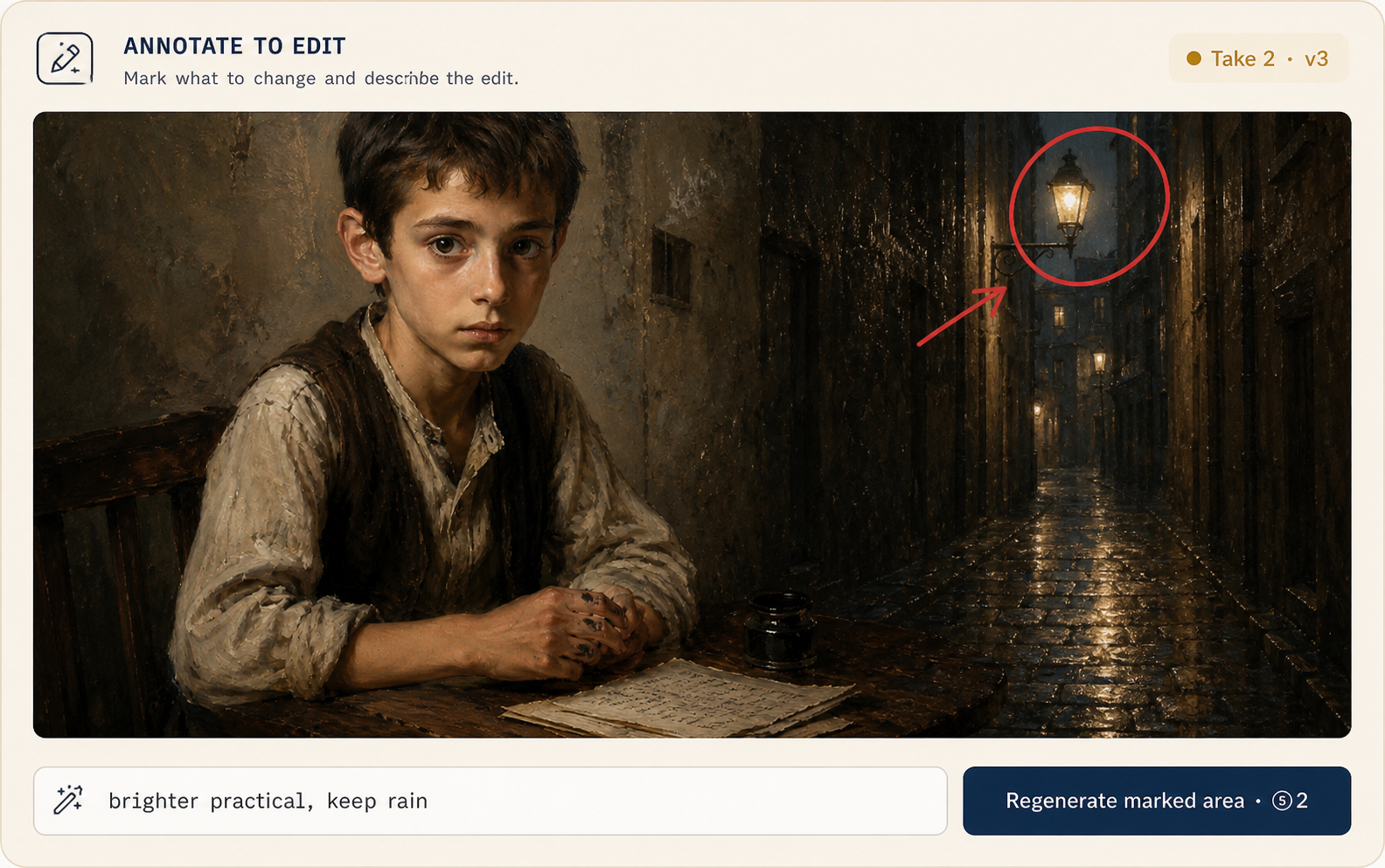
OpenAI's state-of-the-art image model (April 2026): generation and instruction-following editing in one model — no separate inpaint pipeline to learn.
GPT Image 2 is OpenAI's current flagship for images: one model that generates and edits by instruction, holds every reference at high fidelity, and renders text you can actually read. In MML ONE it answers your canvas and storyboard — four routes in the catalog.
By OpenAI
What GPT Image 2 does best, per OpenAI's own documentation — including the parts that stay honest.
OpenAI's state-of-the-art image model (April 2026): generation and instruction-following editing in one model — no separate inpaint pipeline to learn.
Every input image is processed at high fidelity automatically — identity, composition, and lighting survive targeted edits. There is no knob to get this wrong.
Dense copy, small lettering, posters, infographics, UI mockups — legible in-image text is a headline capability, not a lucky roll.
Flexible sizing up to a 3840-pixel edge, with fast low-quality drafts on one end and final high-quality renders on the other.
Built-in world knowledge and reasoning: period-accurate, context-rich scenes from short prompts — the model fills in the era, not just the pixels.
Exactly what our catalog serves today — vendor names, quality tiers included.
As served through our channels: the direct route takes an aspect ratio and delivers 1K/2K/4K-class output; the quality tiers ride a second route. The in-app catalog states what each route delivers.

Frames land on the canvas and in the storyboard as versioned assets. Poster-grade lettering, instruction-driven fixes, and period-accurate stills are what you route here.
Complex prompts can take up to around two minutes, and OpenAI marks output beyond 2K as experimental — temper the 4K expectations.
Recurring characters and brand elements can drift across generations, and precise layout placement remains imperfect.
No transparent backgrounds on GPT Image 2, and every prompt and output passes OpenAI content moderation.
Start with a premise, a screenplay, or a folder of references. We'll set up your provider keys and walk through the first scene with you.
Cookie settings
We use analytics cookies to improve MML ONE. You can decline anytime. Privacy