Build the world
Start with the place the song lives in — a rooftop, a chapel, a flooded street. Build it as a 3D world you can walk, light and reuse for every setup.
A music video is a place, a performer and a rhythm. Build the location as a navigable 3D world, hold the performer through every look, perform the moves yourself with phone capture — then cut the picture to the track.
Five stages, each carried by a module you can open right now.
Start with the place the song lives in — a rooftop, a chapel, a flooded street. Build it as a 3D world you can walk, light and reuse for every setup.
Lock the performer once and run a look per section — verse look, chorus look, same face throughout. Identity holds; wardrobe moves.
Map the track to panels — verse, pre, chorus, drop. Each section gets its shots, and every shot knows its scene, cast and world.
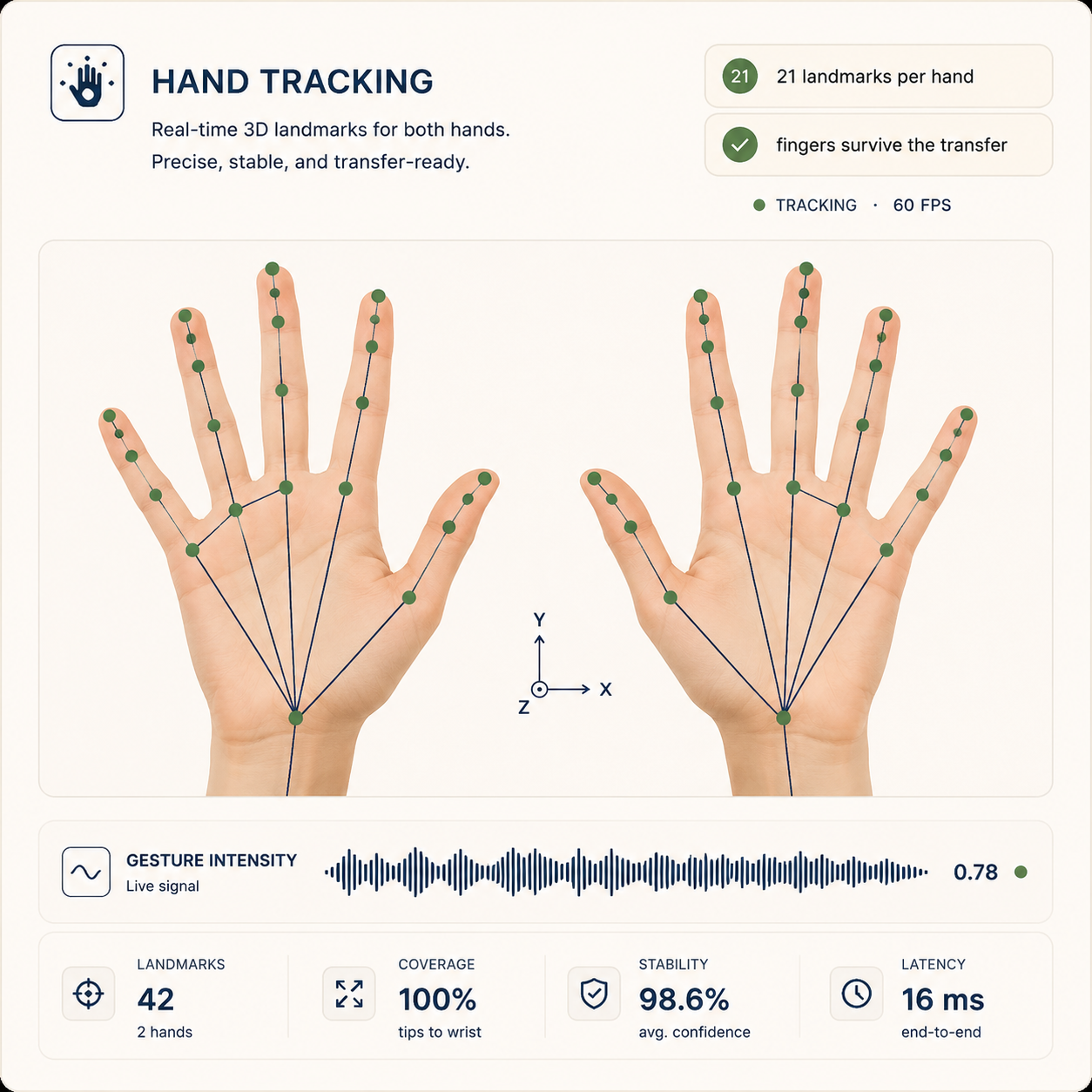
Perform the moves yourself and capture them with a phone — markerless, down to the fingers — then watch the retarget land on your character on the 3D stage.
Takes return attached to their shots. Assemble the cut against the track and swap takes until the picture hits where the music does.
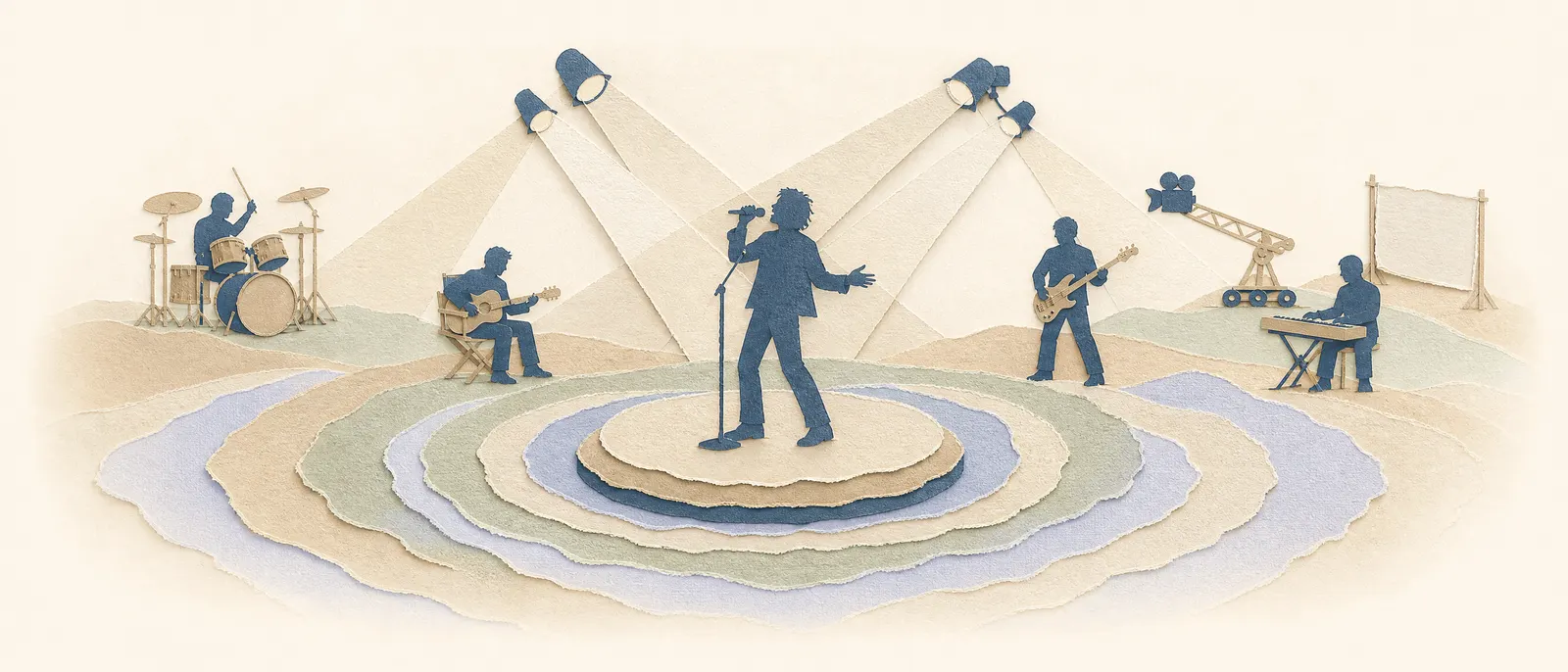
What holds a music video together across looks, locations and edits.
Wardrobe changes between verse and chorus; the performer stays the same person. Variation is managed, not re-rolled.
The world you build for the chorus is still there for the reprise — same geometry, new light.
Block the moves with a virtual camera on the 3D stage and export real 6DoF camera paths to the video models.
Phone capture turns your own movement into the character's — a performance you directed, not one you described.
Start with a premise, a screenplay, or a folder of references. We'll set up your provider keys and walk through the first scene with you.
Cookie settings
We use analytics cookies to improve MML ONE. You can decline anytime. Privacy