Generated 3D environments
Describe a location and it becomes camera-ready geometry, not a flat reference. Walk through, change angle, scrub times of day before committing to the look.
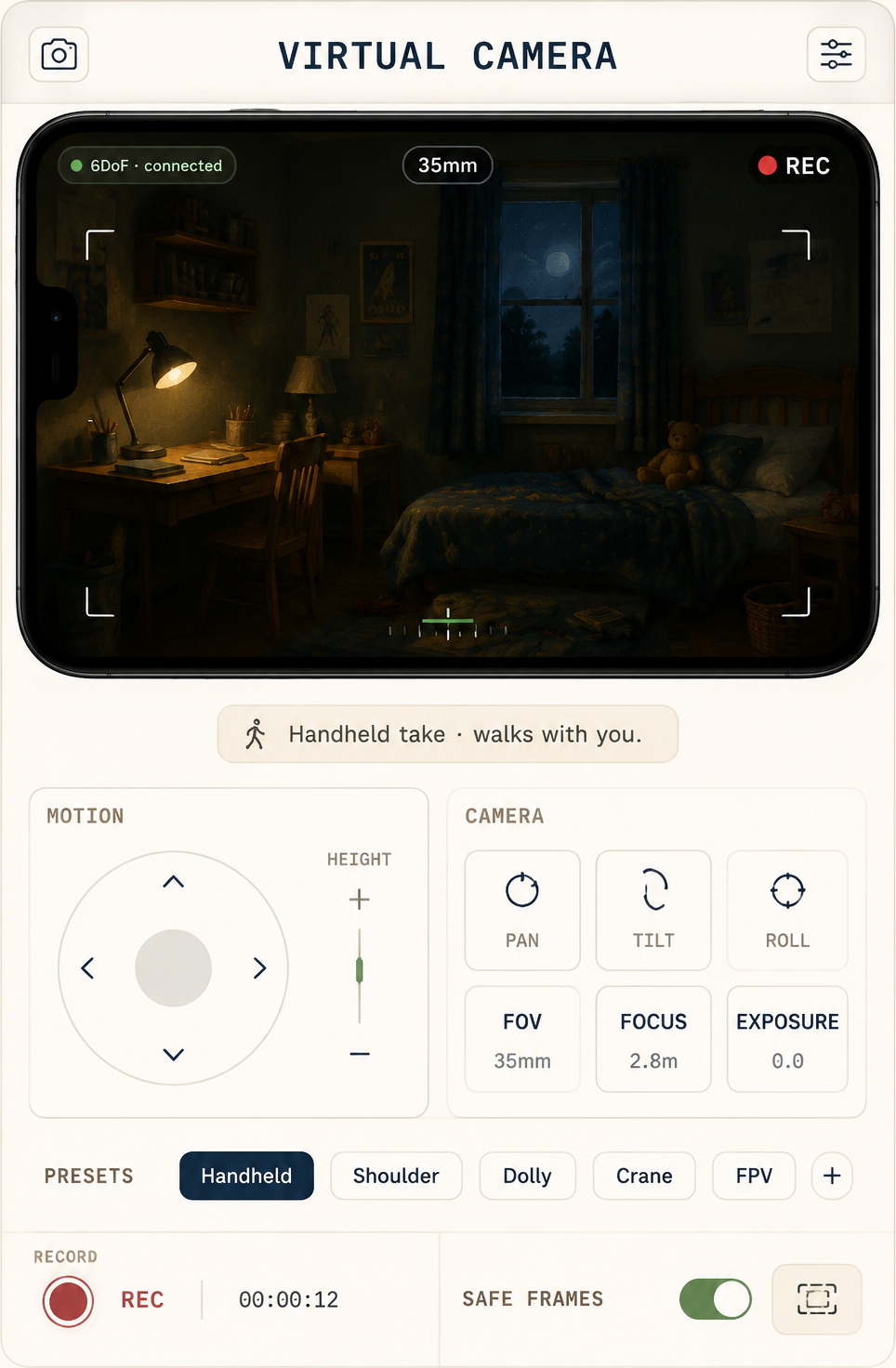
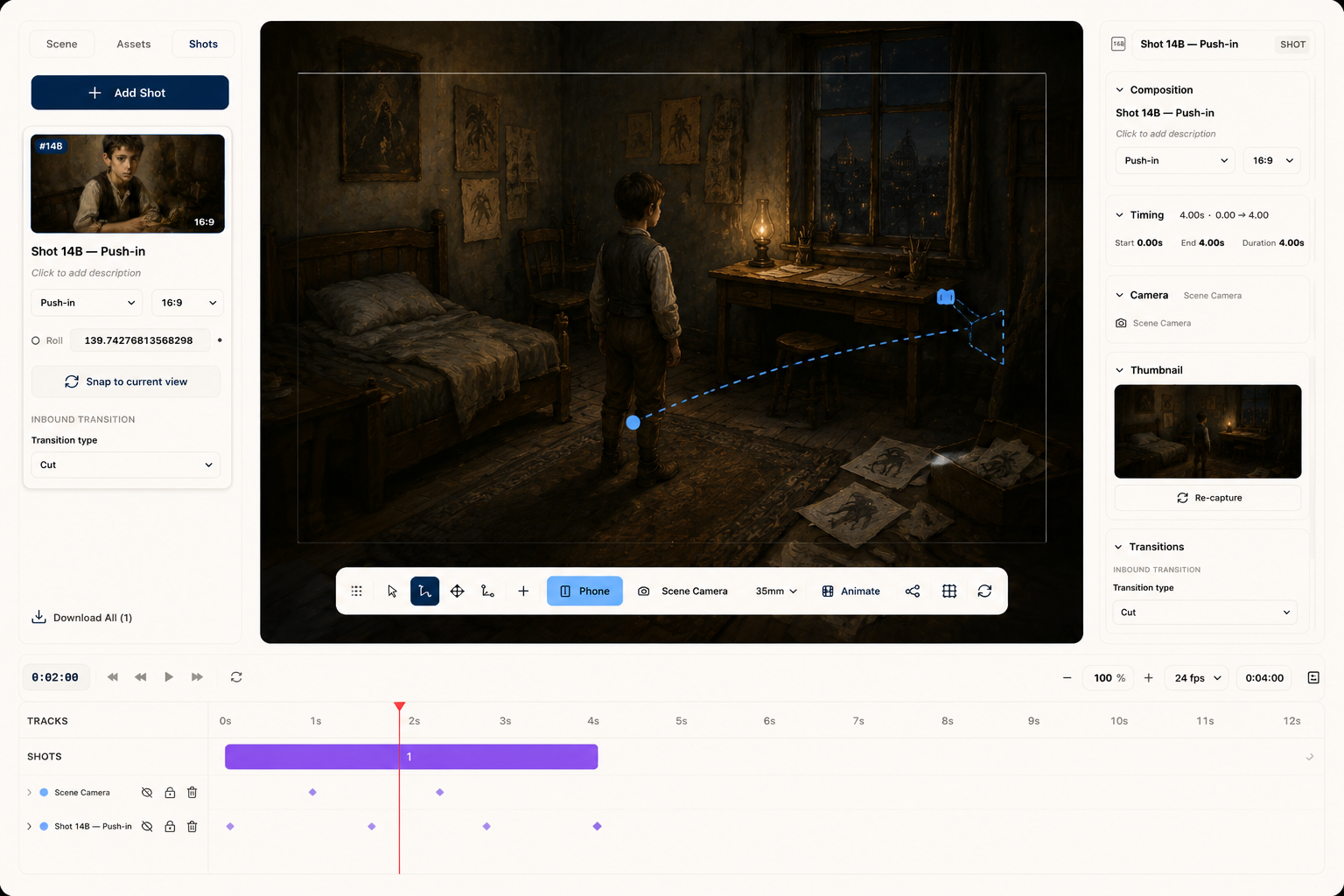
The 3D Stage makes each location navigable, with a virtual camera you move through it. Walk the dolly path, set the lens, mark the key light — or pick up the phone for 6DoF handheld. Blocking is done before generation cost is spent.
World Labs generates the environment; MML ONE adds the camera, the lighting plot, and reuse across the whole production.
Describe a location and it becomes camera-ready geometry, not a flat reference. Walk through, change angle, scrub times of day before committing to the look.
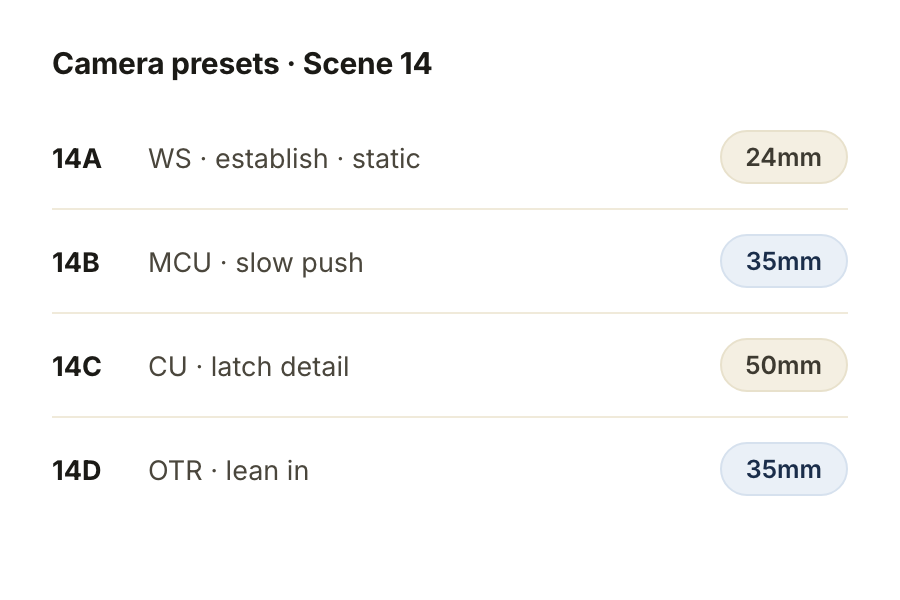
Set focal length, frame the shot, walk the dolly path, mark the key light. Save camera presets per shot and reuse them across alternates.
Each world carries its own material library, lighting rules and props. Move a chair on Tuesday and every scene using this world inherits the move.
Block on the stage, export the path as a 6DoF rig, and hand it to Veo or Seedance with the world geometry attached — the model knows exactly where the camera is going.
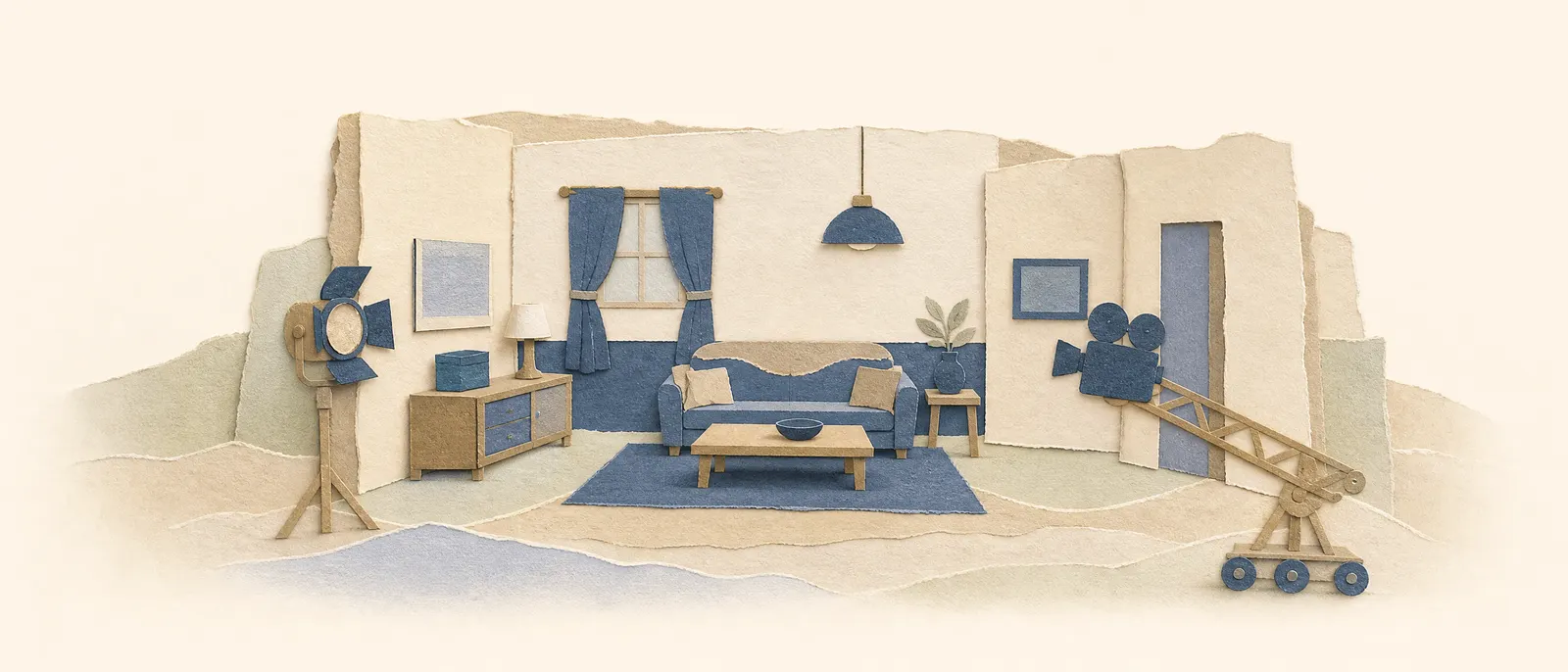
Describe it; World Labs builds it as a navigable 3D space.
Frame, lens, dolly path, key light — decided on the stage, before a frame is generated.
Export the camera path to the video models. Episode 6 comes back to the same brick house episode 1 built.
Start with a premise, a screenplay, or a folder of references. We'll set up your provider keys and walk through the first scene with you.
Cookie settings
We use analytics cookies to improve MML ONE. You can decline anytime. Privacy