Branches and revisions
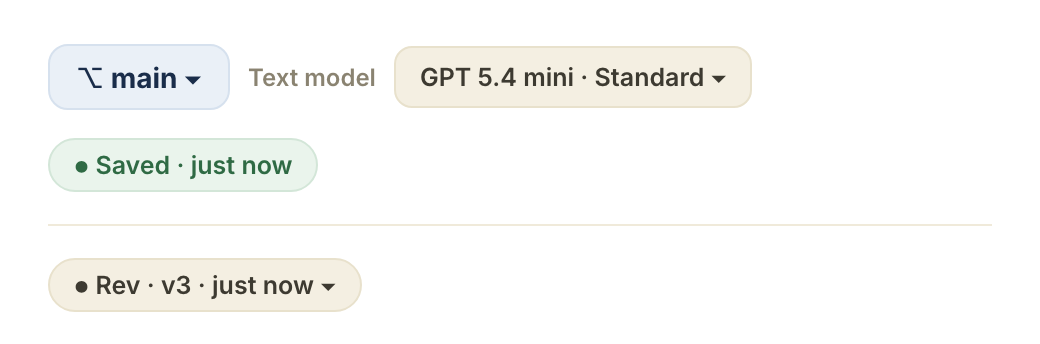
Cut a branch for an act-2 rewrite, work without touching the main draft, merge or abandon when you're done. Compare any two branches inline; promote one to canon when ready.
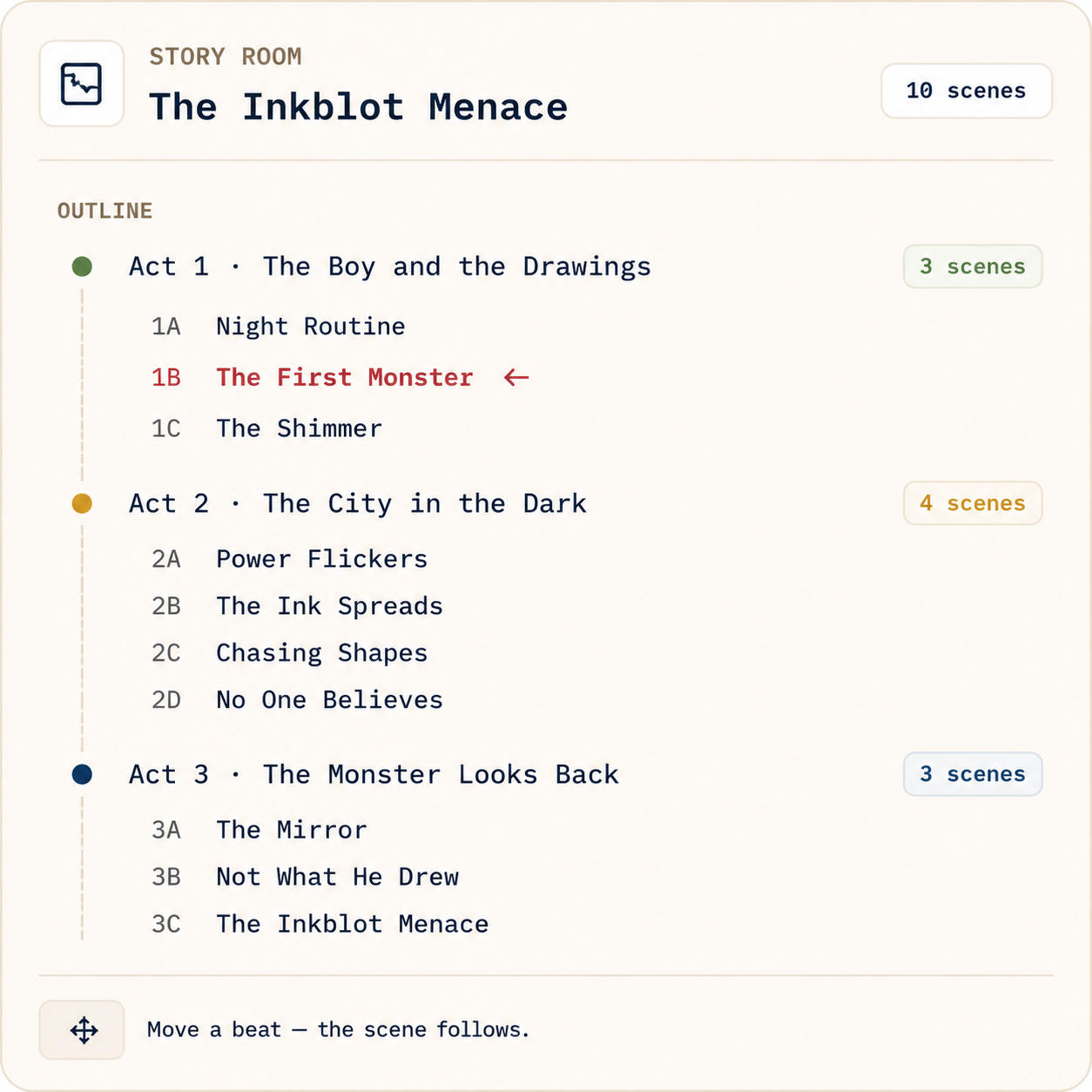
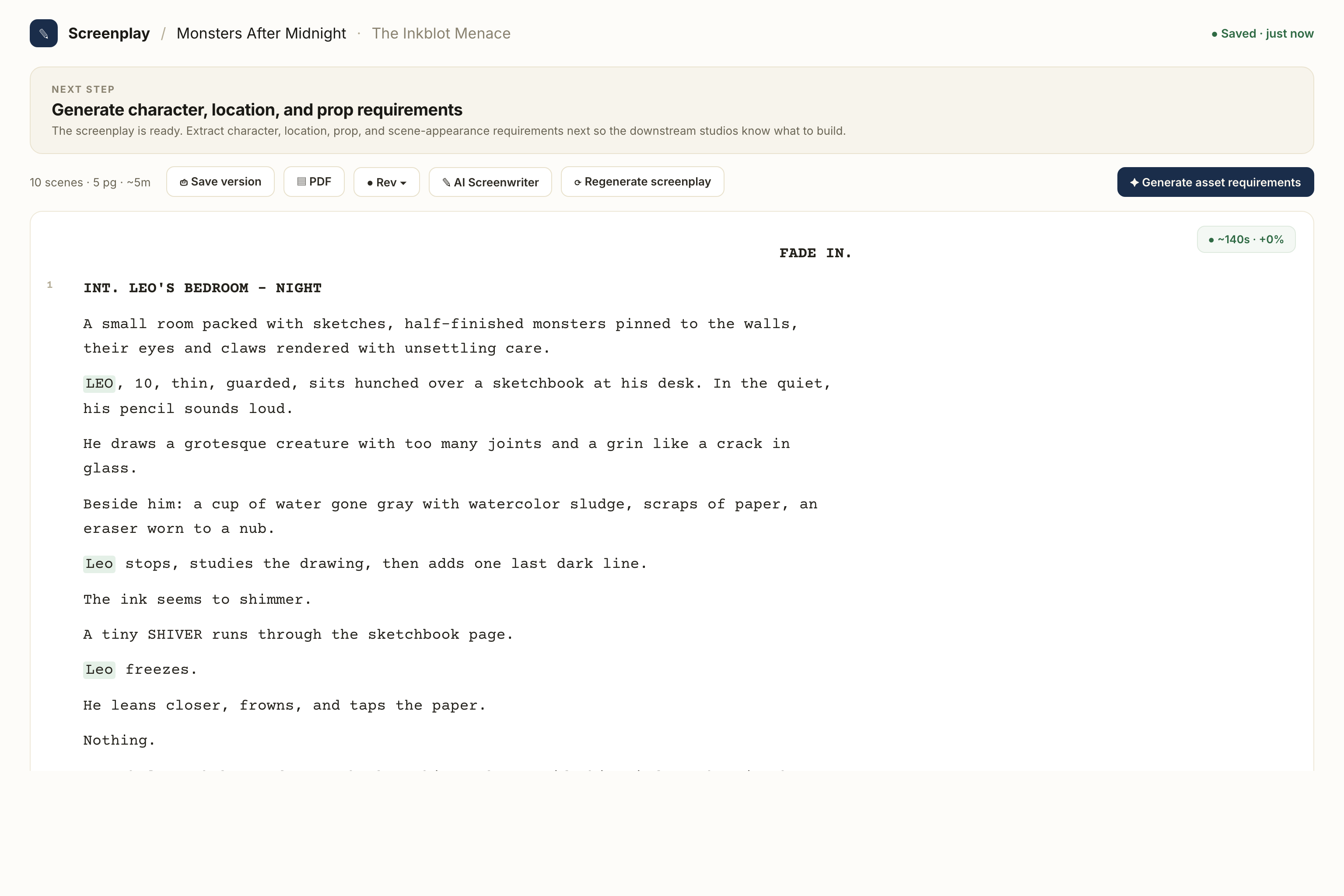
Two rooms for words. Story Room holds outlines, loglines, bibles and beats; Screenplay Room is the production-format editor your crew already reads. Every page knows its episode, its scenes, and the beats it sets up.
Move a beat in the outline and the right scene moves with it. Here's what stays attached to every page you write.
Cut a branch for an act-2 rewrite, work without touching the main draft, merge or abandon when you're done. Compare any two branches inline; promote one to canon when ready.
Blue, pink, yellow, green — the WGA revision sequence is built in. Each revision generation gets the next color automatically, and the gutter, page edge and rail all carry it.
INT. BRICK HOUSE — NIGHT isn't just text. It links to the brick-house world, the night lighting rule, the warm-key reference plate — and a change ripples to every related shot.
Start at any altitude. A two-line premise becomes a five-act outline, a 90-page screenplay, a board of panels — each auto-bound to the right scene, characters and world.

Drop a premise in the Story Room and grow it into loglines, bibles and a beat sheet.
Draft in real screenplay format, branch for rewrites, keep revision colors straight.
Scene headings feed Character Studio, the 3D stage and the storyboard automatically.
Start with a premise, a screenplay, or a folder of references. We'll set up your provider keys and walk through the first scene with you.
Cookie settings
We use analytics cookies to improve MML ONE. You can decline anytime. Privacy